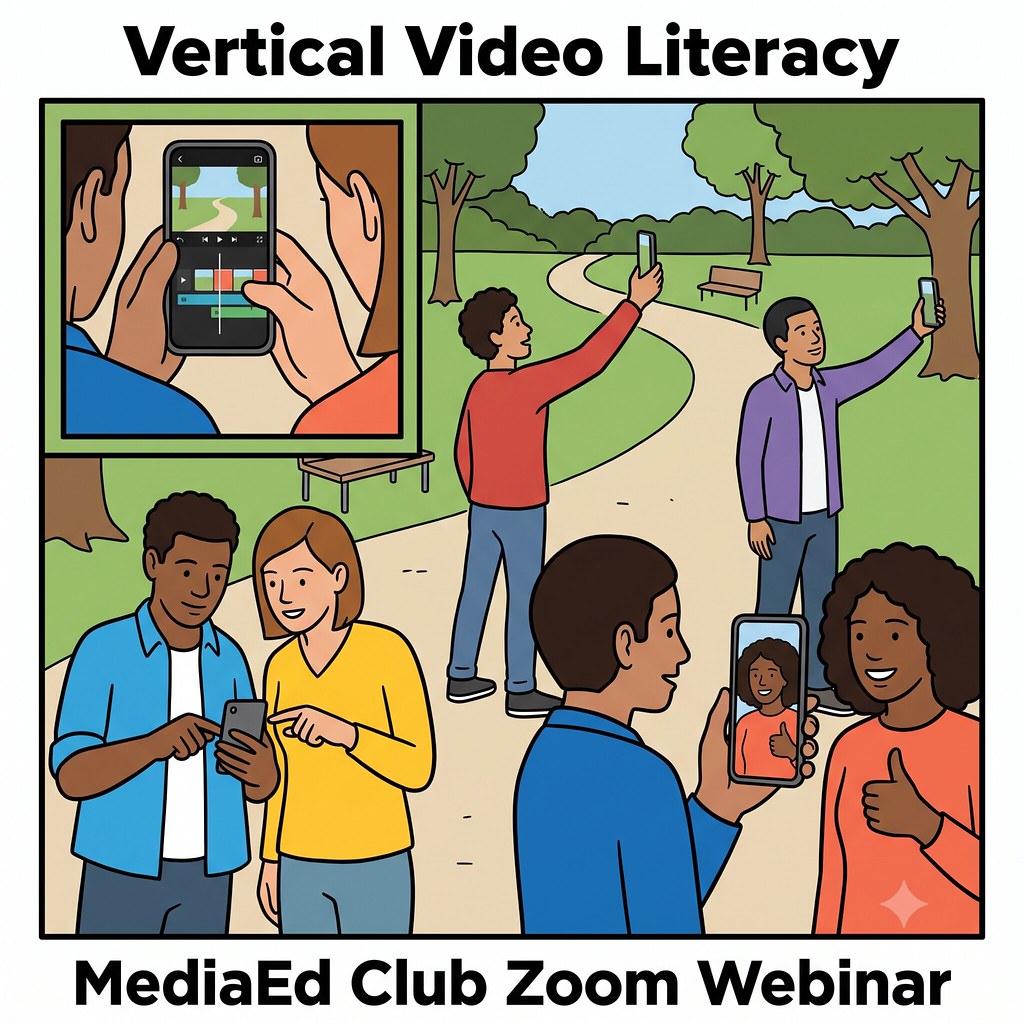
 Short form video is no longer a niche trend, it's the dominant grammar of the internet. Watching video is now the third most common reason people give for going online at all, trailing only 'finding information' and 'staying in touch with friends and family. The tools to make mobile videos have moved out of professional studios and straight into student pockets. Canva's mobile app and Adobe's new Premiere for iPhone put multi-track editing, captions, and export-ready templates into the hands of anyone with a smartphone, no laptop or film degree required.
This shift creates a real tension for educators. Some researchers warn that heavy short form consumption is reshaping attention spans and eroding students' capacity for sustained reading, and plenty of teachers are experimenting with brain breaks and phone bans to push back. But treating short form video only as a threat misses half the story. When students move from consuming vertical video to creating it, they practice framing, pacing, sourcing, and persuasion, skills that transfer directly to the reading and writing we still care about. The real question isn't screens versus books. It's whether we teach students to wield the format that already shapes their information diet, or leave that skill entirely to algorithms and influencers.
Join the MediaEd Club for a hands-on, practical session on shooting and editing short form video with tools already sitting in your pocket. We'll walk through Canva Mobile (iOS and Android) and Adobe Premiere for iPhone side by side, covering vertical framing, quick cuts, captions, and export settings you can use tomorrow. Dr. Wes Fryer will share a few examples from his own middle school classroom, where Spring 2026 students created short form video shorts as final projects for his "Froot Loop Conspiracy Theories" media literacy unit instead of the usual narrated slideshow, with results he calls some of the best student work he's seen. This is a "play with media" session in the spirit of #create2learn: come ready to shoot something yourself, and leave with techniques you can hand straight to your students.
Date: Monday, August 3, 2026
Time: 12 pm EST | 6 pm CET | 10:30 pm IST
SIGN UP here to receive our newsletter with updates and details on media club, webinar series, and teaching resources.
Recommended Media (please preview before attending)
- Article: The tricks teachers are trying to fix students' shortening attention spans (The Hechinger Report, 24 Apr 2026)
- App Launch: Adobe Premiere Now Delivers Fast, Pro-Quality Video Editing on Mobile (Adobe Newsroom, 30 Sep 2025)
Optional Media (enrich your learning)
- Guide: Vertical Video Guide: How to Shoot & Edit for Mobile (The Spark House, 10 Mar 2026)
- Video: Canva Video 2.0 Just Made Editing SO Easy! Beginners Tutorial (22 min, Teacher's Tech, 10 Nov 2025)
- Video: Excite Students with Video (8 min, Canva Design School)
- Academic Review: TikTok in Higher Education: A Systematic Review of Disciplinary Applications (Interactive Learning Environments, 2025)
- Study: Impact of Short Reels on Attention Span and Academic Performance (ERIC, 2026)
- Article: Adobe Launches Premiere for iPhone and iPad (MacRumors, 30 Sep 2025)
- Classroom Examples: Froot Loop Conspiracy Theories unit (Wes Fryer's lessons site)
Host: Dr. Wesley Fryer
 Wesley Fryer, PhD, is a middle school STEM and media literacy middle school teacher at Providence Day School in Charlotte, North Carolina. As an educational technology “early adopter / innovator” since the late 1990s, Wes continues to share regularly on social media. Learn more on wesfryer.com.
Please get in touch with us if you want to suggest future Media Club meeting topics to discuss an article, book, podcast, video or any media related to our interests.
Dr. Wes Fryer, Webinar Series Manager | wes.fryer@providenceday.org
* AI Image (for this webinar) generated by Wes Fryer using Claude (for the image prompt) and Gemini.